ARTICLE: How to Bulk Edit Contacts in Reach
Find it: People Management > Bulk Edit
When you need to change a large number of contacts in Reach at once you can use the Bulk Edit feature in the People Management menu.
Step 1
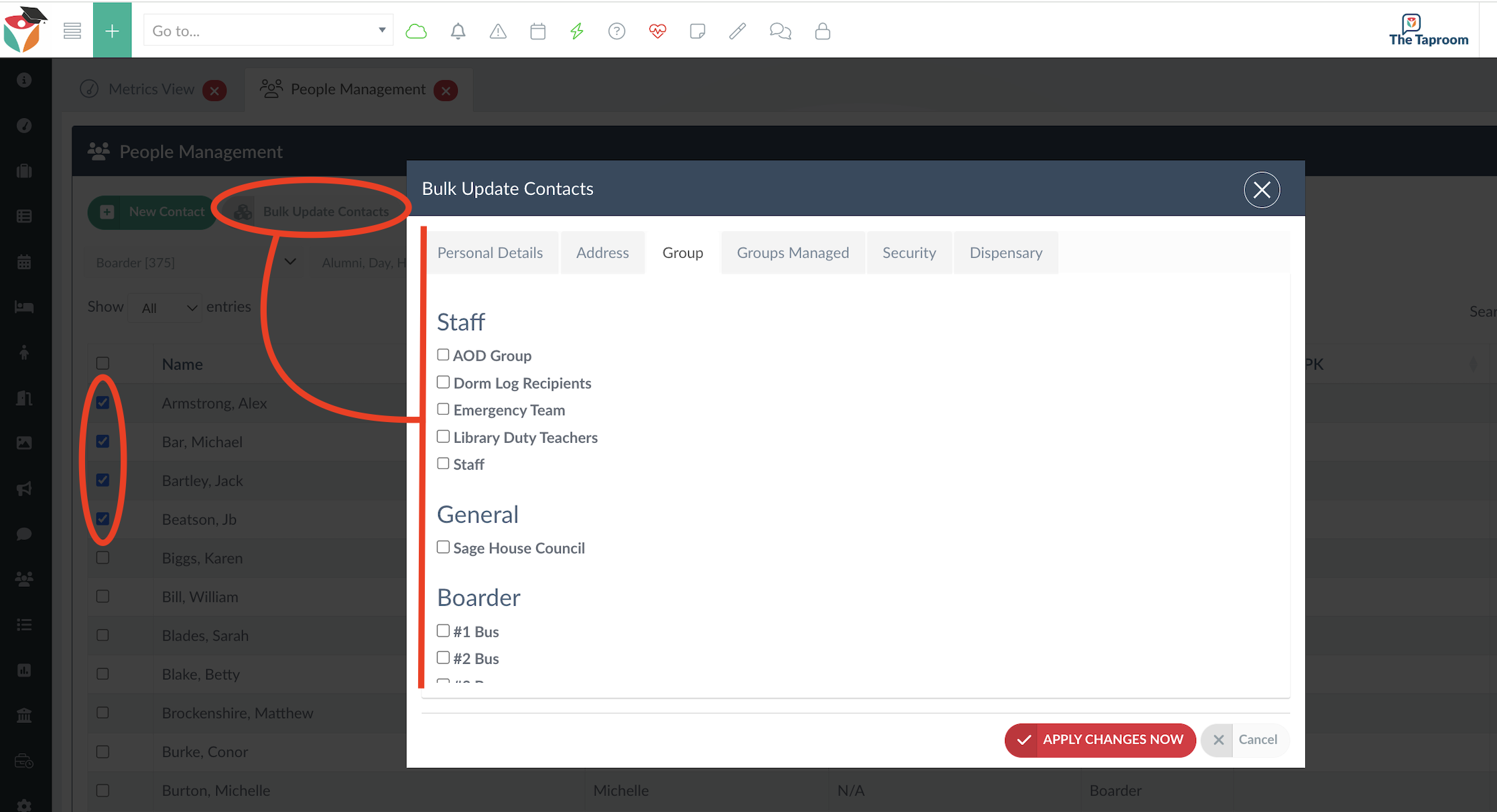
Go to your People Management screen and filter your view to show the group of contacts that you want to edit.
Step 2
Select the contacts that you wish to edit from the left side menu check box and click on the Bulk Update Contacts button. This will open the bulk update modal and you can select from the various data tabs available in the update modal to update data for the selected contacts.